 Form Autofill Pro
Finds the right field
Matching ignores accents, tolerates small typos and skips the dynamic IDs generated by React, Vue and Angular. The icon sits outside each field, so it never covers date pickers or password toggles.
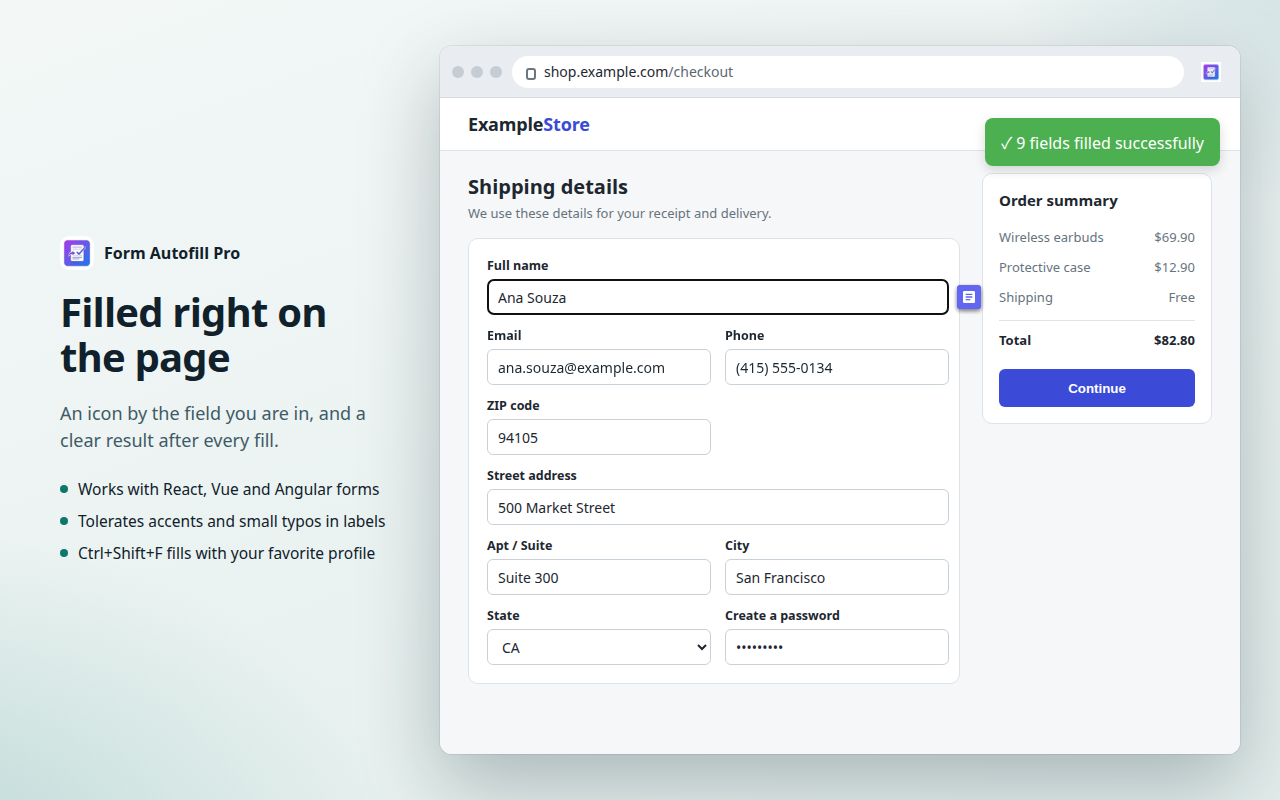
Form Autofill Pro saves any web form as a profile and fills it again in one click. Everything stays on your device.
No account. No servers. No data collection.
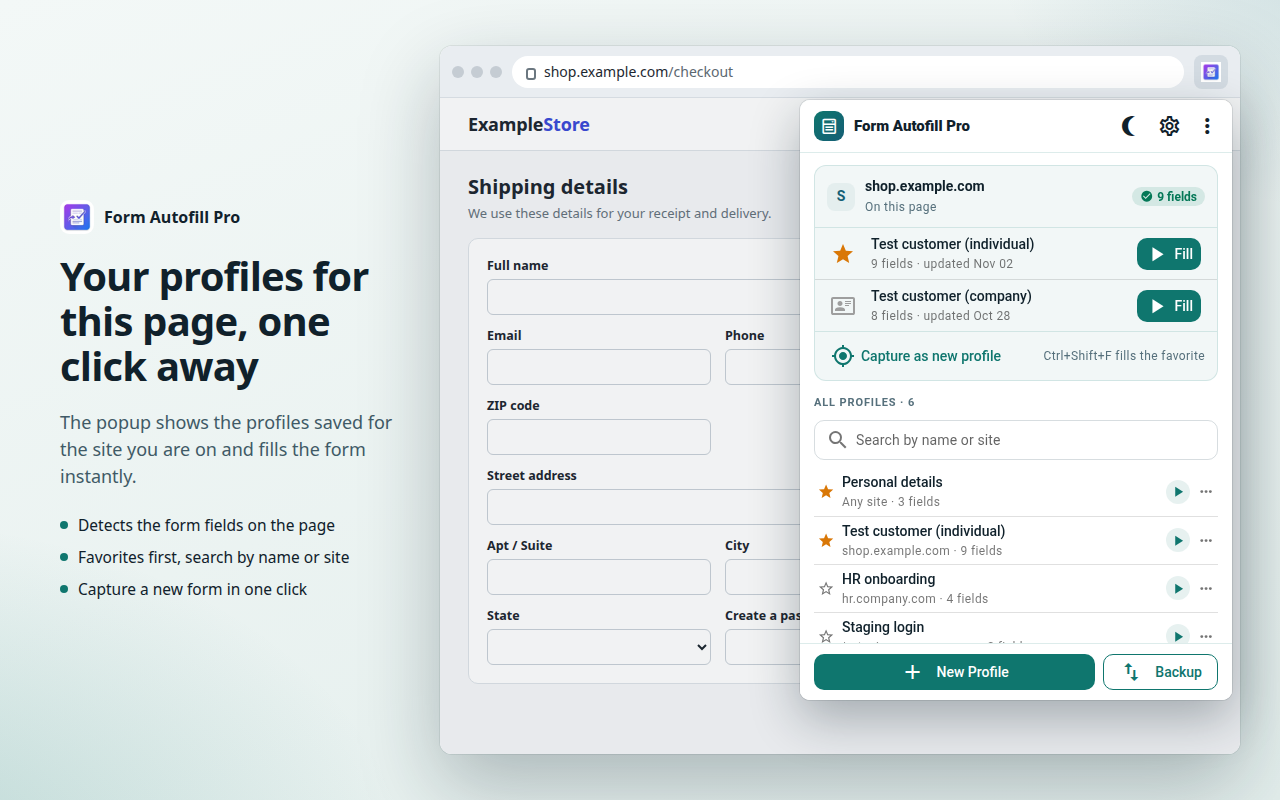
Matching ignores accents, tolerates small typos and skips the dynamic IDs generated by React, Vue and Angular. The icon sits outside each field, so it never covers date pickers or password toggles.
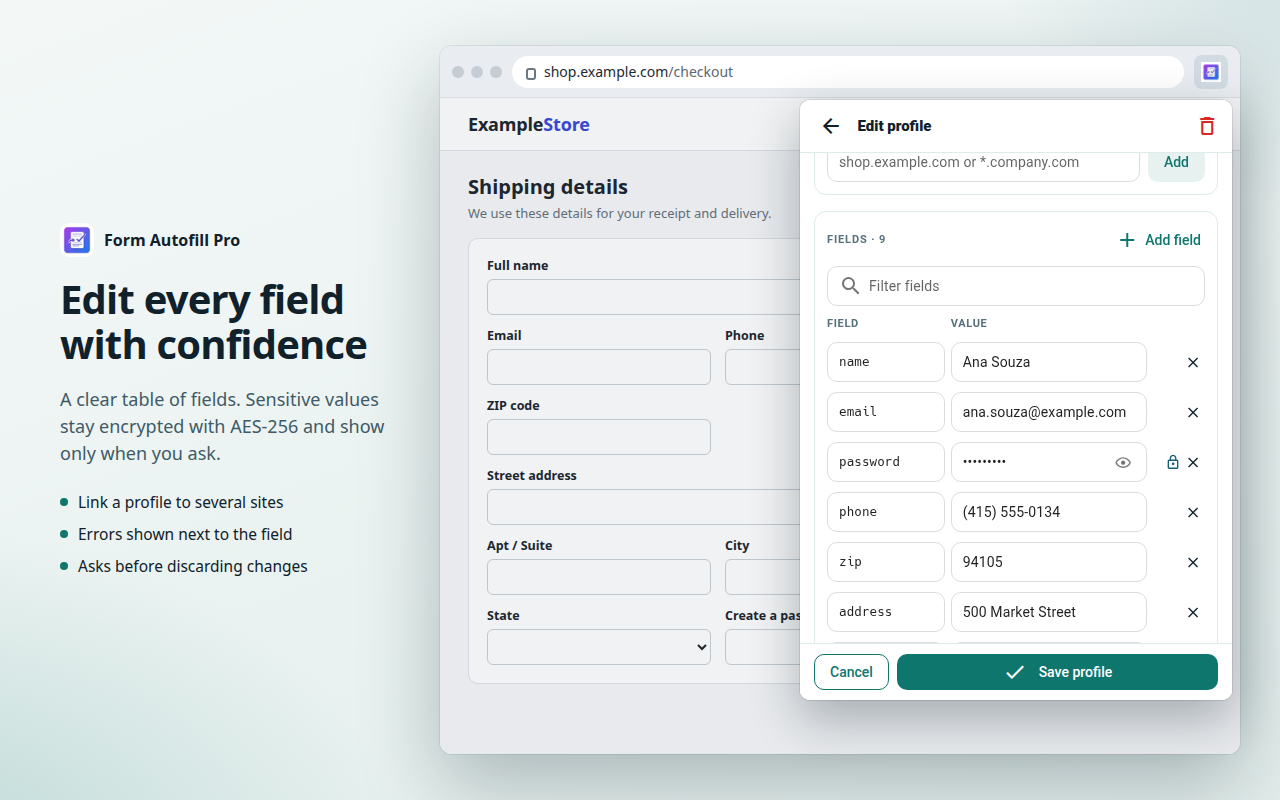
A full-screen editor shows every field as a name and a value. Link a profile to several sites, including wildcards such as *.company.com, and reveal sensitive values only when you need them.
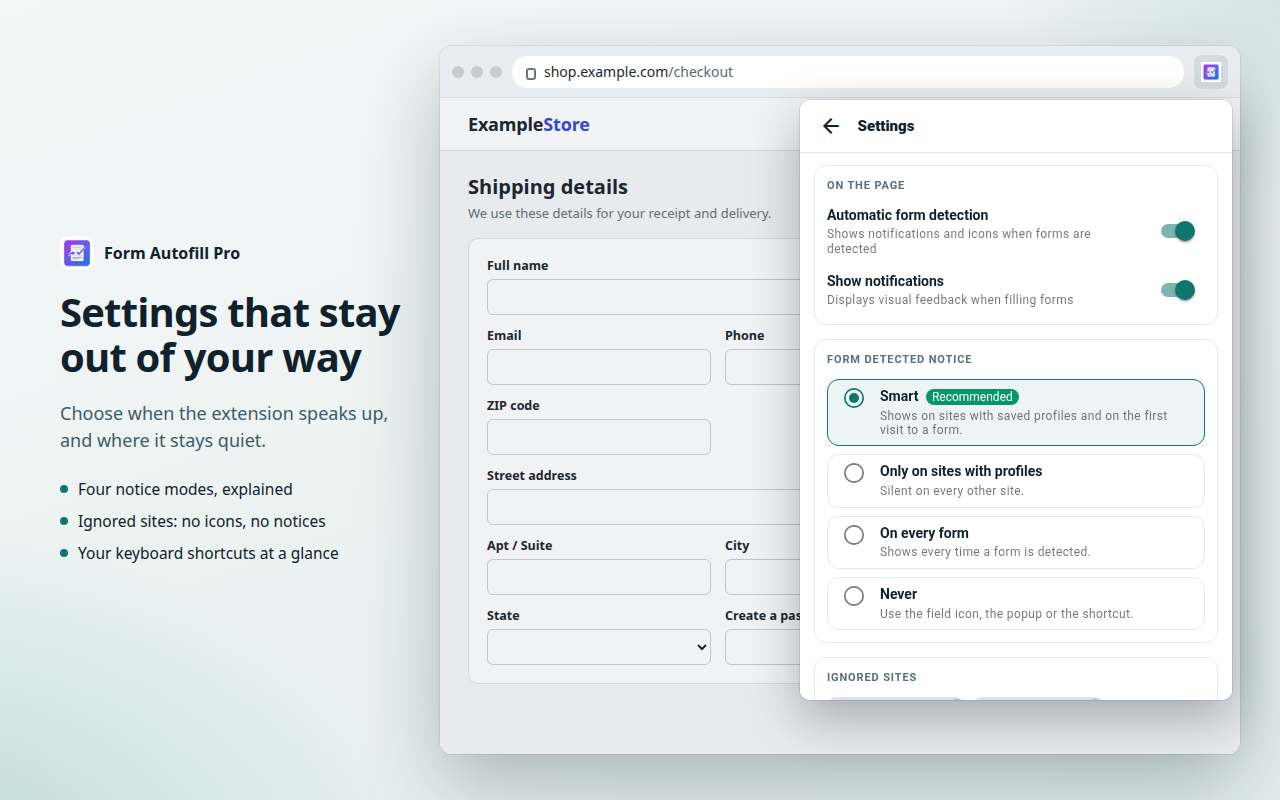
Choose when the form notice appears, or turn it off. Ignored sites get no icons and no notices.
Export encrypted to this browser, protected by a password to move between browsers, or as plain text. Import with drag and drop.
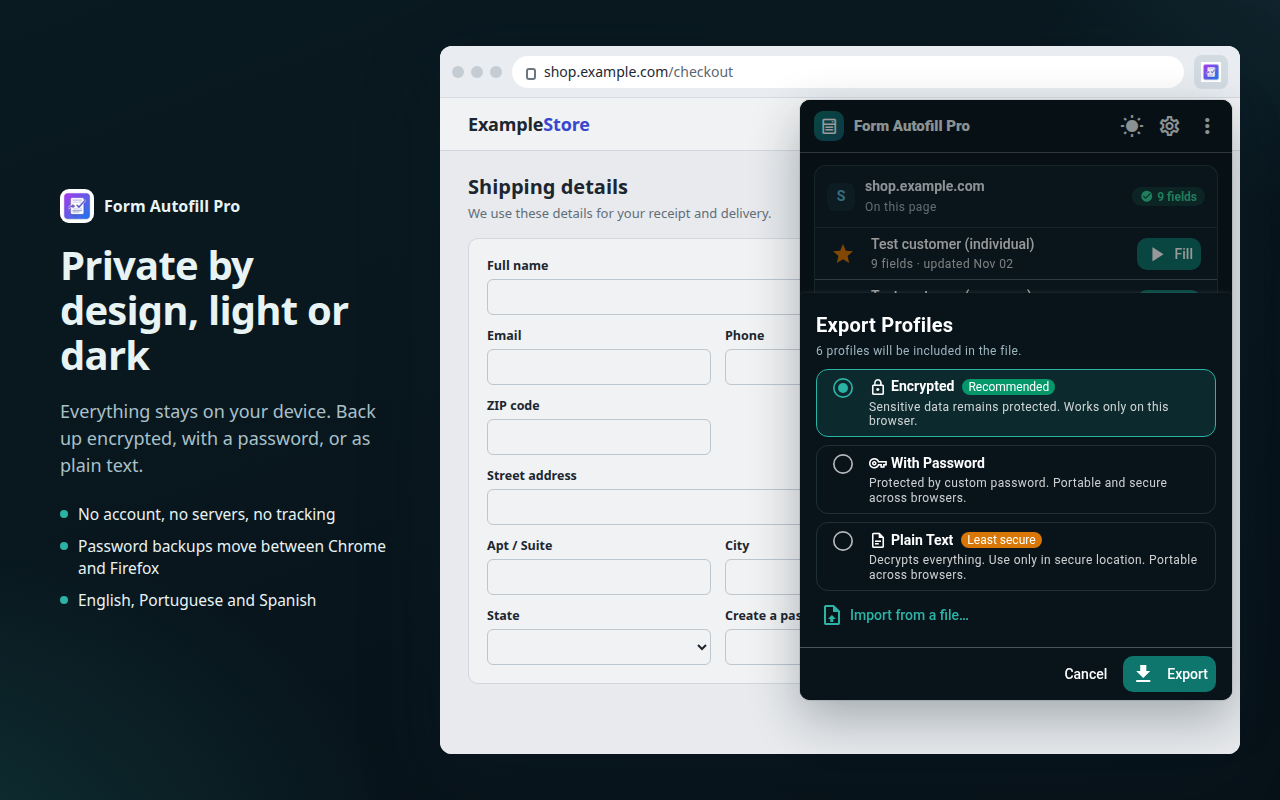
Profiles live in your browser. Nothing is sent to a server, because there is no server.
Passwords, CPF, card numbers and other sensitive fields are protected with AES-GCM 256-bit.
No sign-up, no analytics and no data collection of any kind.
Free for Chrome and Firefox, in English, Portuguese and Spanish.